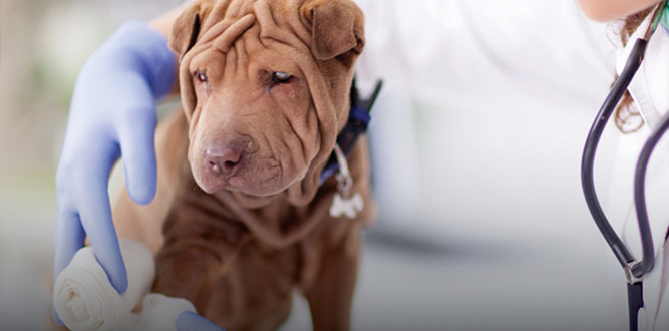
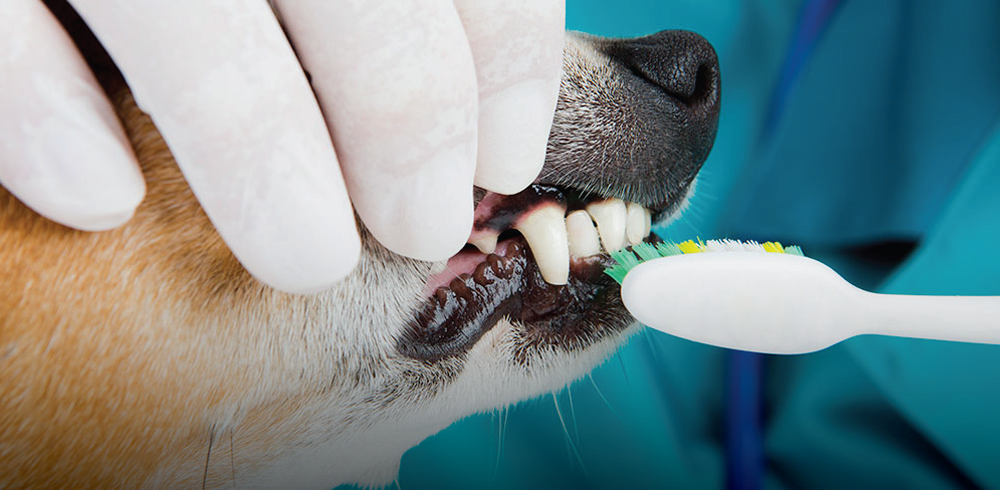
Quality veterinary care is our highest priority

Voted Best Veterinarian by Fresno Bee's Central Valley People's Choice Awards for 15 years.
Download the PetPage App from your mobile device by clicking one of the links below.
After you have installed and opened the app on your mobile device, click the "sign up" button on the homepage. Enter your email address, select a password, and then click the blue “sign up” button. You will then be sent a confirmation email. Once you have confirmed your email, you can login. If the email is not received, please check your SPAM folder.




Fresno Office
1115 E Champlain
Fresno CA 93720
559.434.4000
Prescription Refills: 559.434.4982

Clovis Office
245 Bullard Ave
Clovis CA 93612
559.298.1900
Prescription Refills: 559.298.1900

Copyright 2026 Waterhouse Veterinary Hospital. All Right Reserved. Website by Solutions by Design